
Zombies Aren't Real Evac Corridor: How to Move Civilians
Learn how to place an Evac Corridor in Zombies Aren't Real, connect it to a safe zone, and troubleshoot stuck civilians.
How to place an Evac Corridor
An Evac Corridor directs civilians who enter its lane and makes them move faster along it. It is not a map-wide attraction: begin where people can reach the lane, and give them a useful destination. The Steam store identifies civilian survival as the basis for your score.
- During preparation, find a group of civilians and an accessible route to a safe zone.
- Open the Civilians section of the build bar and select Corridor.
- Click near the group, drag toward the destination, and release to place the lane. Aim it along open streets rather than through buildings.
- If a wall separates the route from the zone, place a gate where the lane meets the perimeter. Check that the approach actually reaches the entrance.
- Start the outbreak and watch whether people enter the lane, follow it, and reach the gate. Adjust the plan on a retry if a particular segment fails.
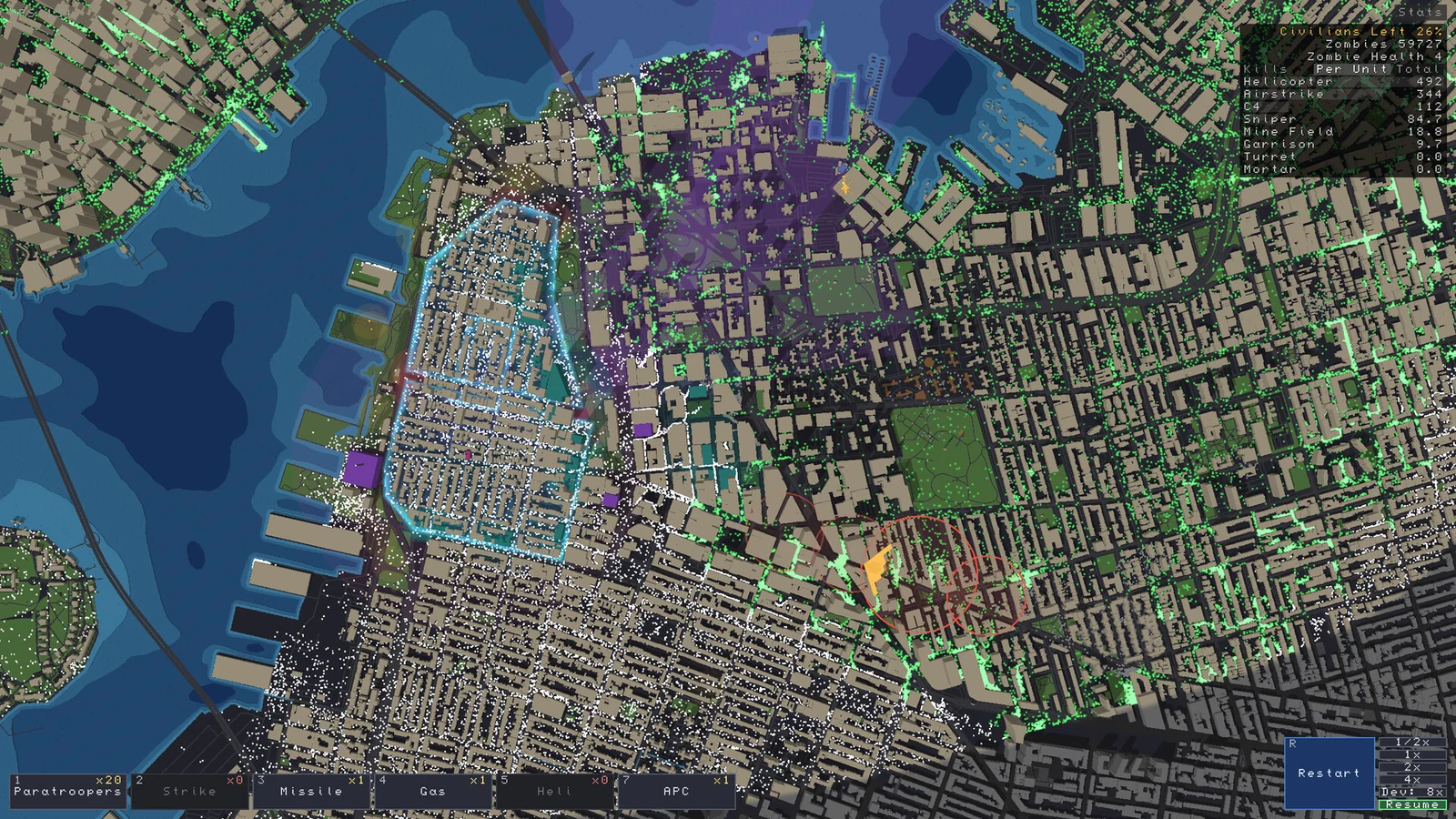
Early store screenshots and the How To Video Game guide show Q for Corridor, E for Hold and G for Gate. These are version-sensitive; use the labels in your own build if the bindings differ. The article reports the corridor description as coming from a developer’s Steam discussion, but does not link the original post, so that attribution is secondhand.
How Hold and Corridor work together
Hold has an outer area that draws civilians toward an inner gathering area. One reported approach is to put Hold over a group, then start a corridor near its inner area and lead it to a gate. Allow time for people to gather and observe the result: the precise interaction between overlapping tools is not independently verified, and player reports describe cases where overlap appeared to interfere with Hold.
A Hold inside the protected perimeter can also be used to gather people away from the wall. For the broader sequence of preparing and reacting to an outbreak, see the beginner guide.
Why are civilians not reaching safety?
- Nobody enters the lane: Check whether it begins near the people you want to move. A corridor directs civilians on its path; it does not promise to pull in everyone nearby. Try a Hold to gather them first.
- People stop at a building: TPose Gaming reports that corridor movement can run into buildings. Try a clearer street or shorter connected segments, and watch the junctions.
- People reach the wall but stay outside: Check the gate location and the last stretch of the route. A lane pointing at a closed wall is not an entrance.
- Hold and Corridor do not cooperate: Test them separately and change the overlap or timing. Reports differ, so do not rely on the combination without observing your build.
- The route reaches safety too late: Move the starting point closer to the crowd or destination, and protect the approach. The defense strategy covers choosing a perimeter and covering exposed routes.
Sources and version
Reviewed November 16, 2026 for the early-access release; the precise game builds used by the guides are unspecified. Details may change. No hands-on test was performed for this article.
- How To Video Game: Evac Corridor — placement, Hold and reported developer explanation.
- TPose Gaming: beginner guide — obstacles and civilian movement.
- GamesRor: reproduced player feedback — anecdotal reports of pathfinding and Hold overlap; the original threads were not independently located.
Related Articles
guides
Zombies Aren't Real Defense Strategy: Protect More Civilians
Build a practical defense strategy in Zombies Aren't Real with safe zones, covered approaches, evacuation routes, and air support.
guides
Zombies Aren't Real Safe Zones: Walls, Gates and Civilians
Build safe zones in Zombies Aren't Real, add gates for civilians, and cover vulnerable walls with a practical defense.
items
Defenses Guide: Safe Zones, Gates, and Fallbacks
Build layered protection with safe zones, gates, barricades, and evacuation stations in real-world cities.
Was this helpful?
Thanks for the feedback!